Invite users to a workspace
Workspace invitations let you add new people by email.
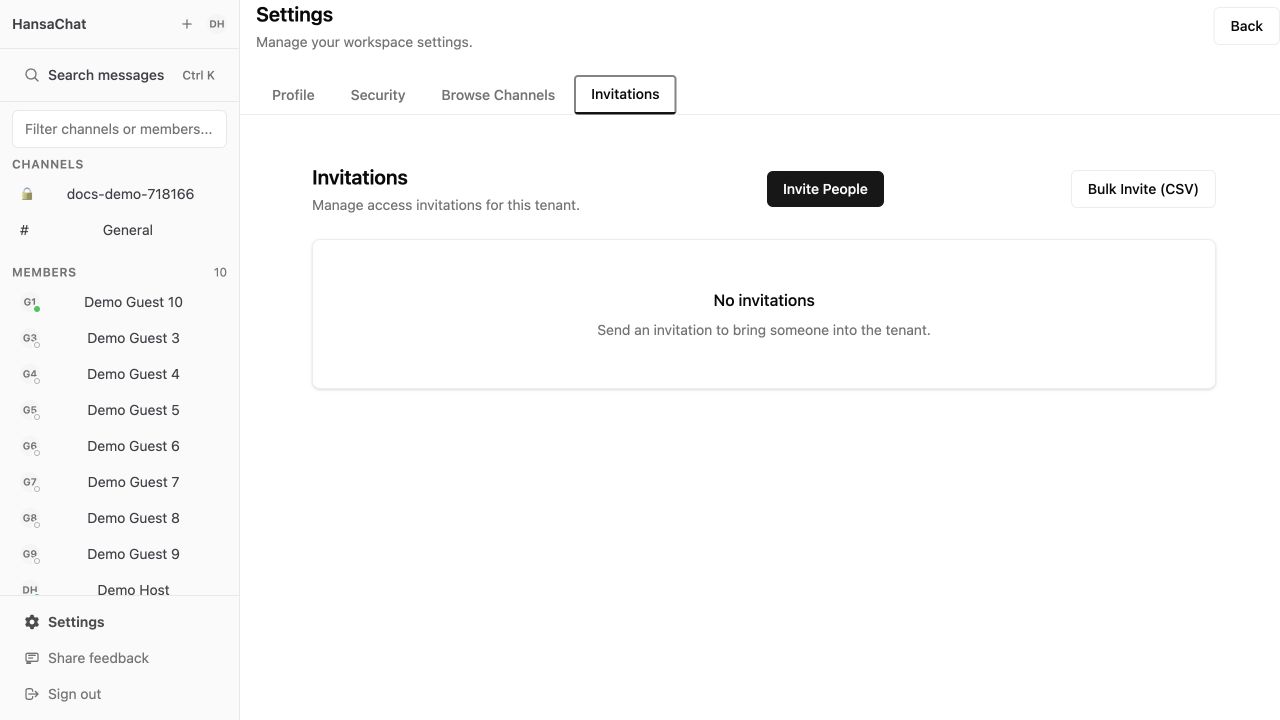
Steps
- Open Settings.
- Select Invitations.
- Choose Invite People.
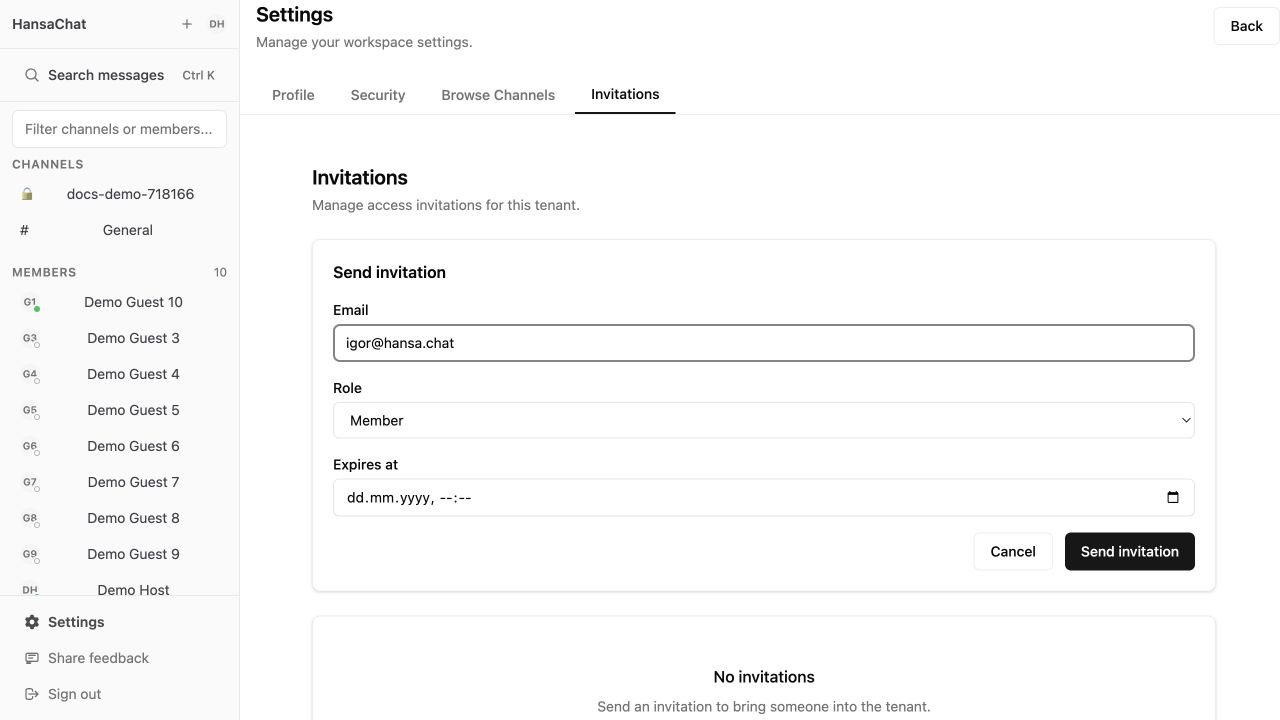
- Enter the person's email address.
- Choose the role: Member or Admin.
- Optionally set an expiration time.
- Select Send invitation.
After sending, the invitation appears as pending.
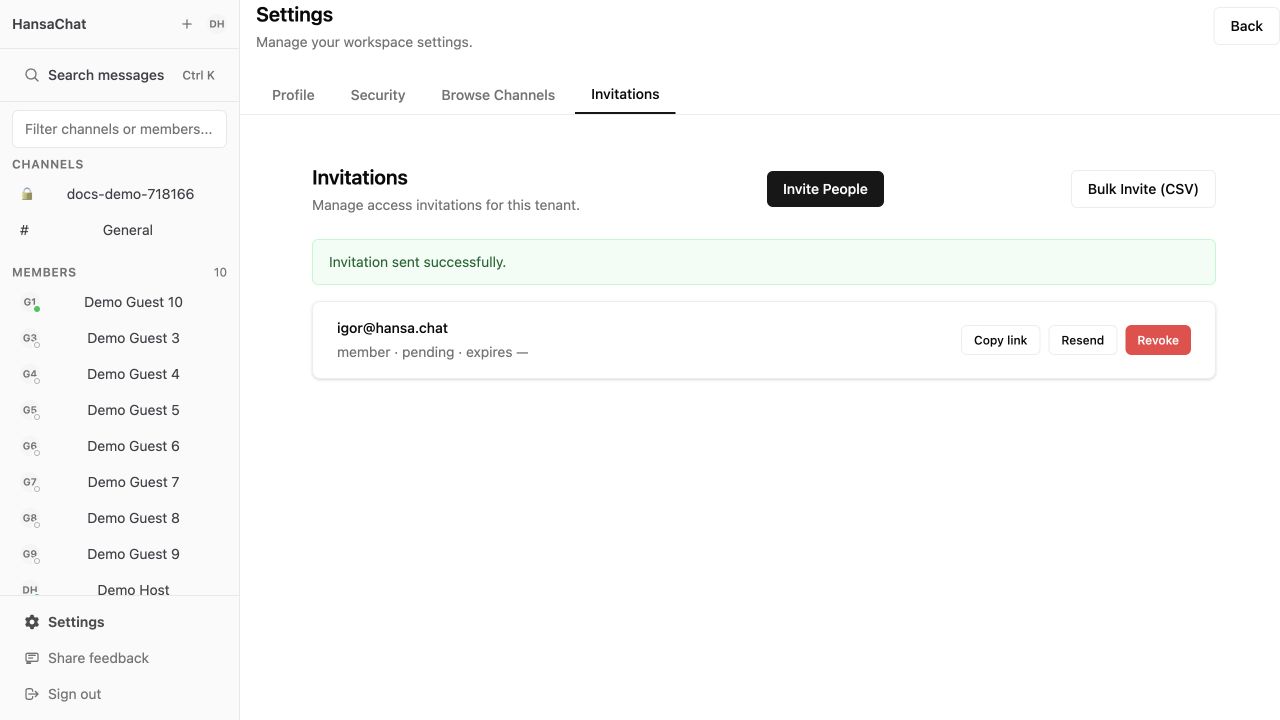
Managing invitations
Use Copy link to share the invite link manually. Use Resend if the email was missed. Use Revoke if the person should no longer be able to join.
If the invitation email does not arrive, ask the person to check spam first, then contact support at igor@hansa.chat.