Use attachments when a message needs more context, such as a screenshot, design file, document, or image.
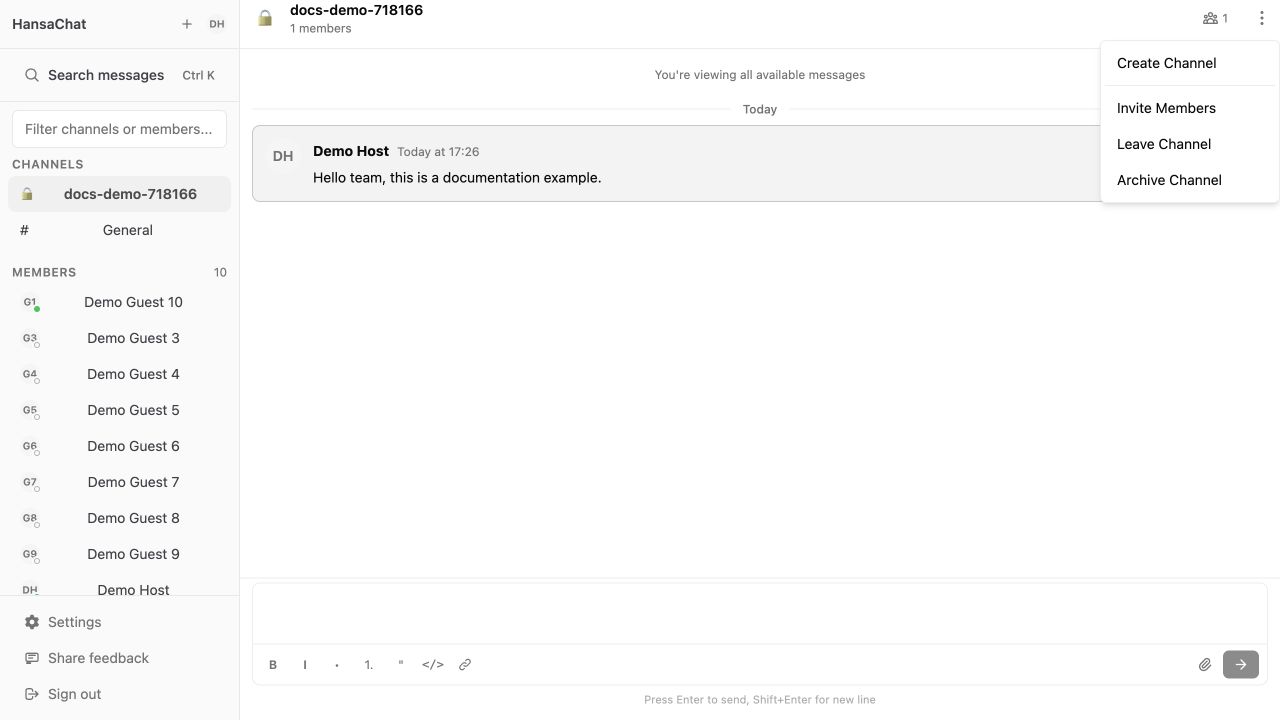
Steps
- Open the channel or direct message.
- Select the Attach file button in the message composer.
- Choose the file from your device.
- Add optional message text.
- Send the message.
Tips
For screenshots and images, add a short message that explains what people should look at. If a file does not upload, try a smaller file or contact support at igor@hansa.chat.