You can create a free HansaChat workspace from the pricing section on the landing page. The free setup asks for your email address, lets you choose a workspace name, and then prepares a workspace you can open in the browser.
Steps
- Go to the HansaChat landing page.
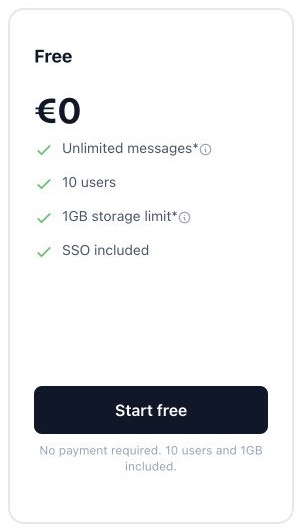
- Find the Free plan in the pricing section.
- Choose Create free workspace.
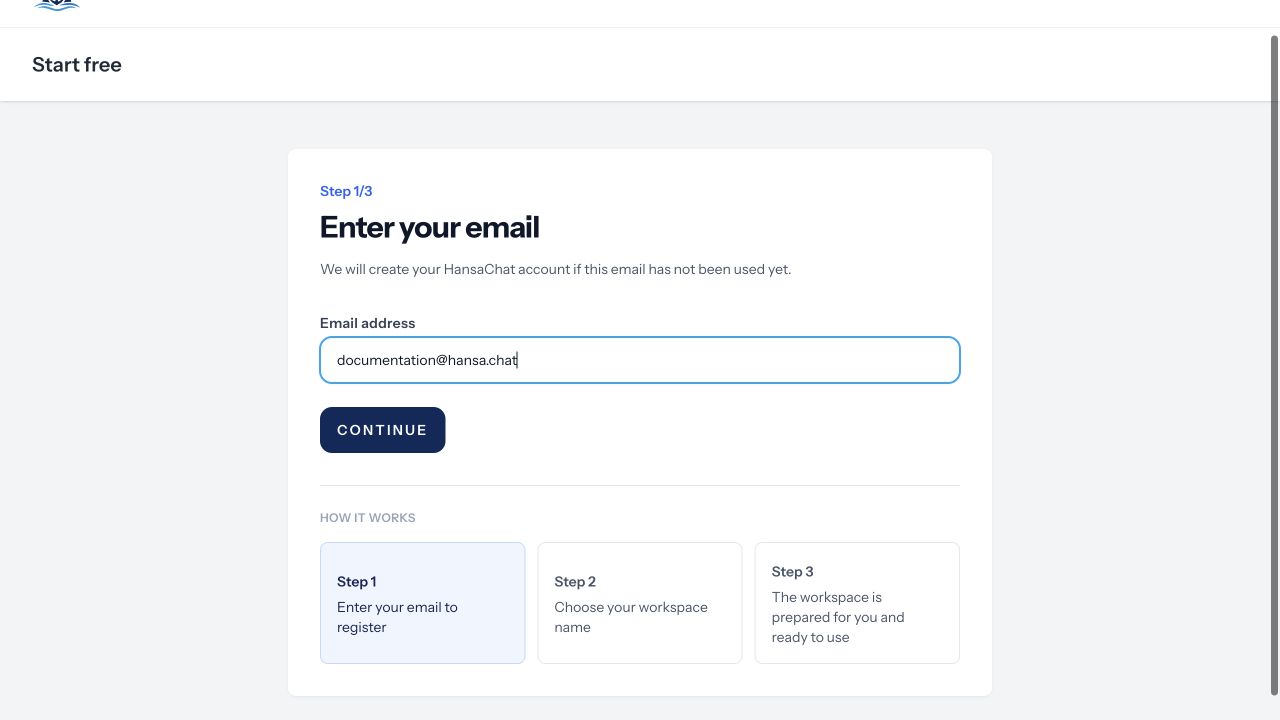
- Enter your email address and continue.
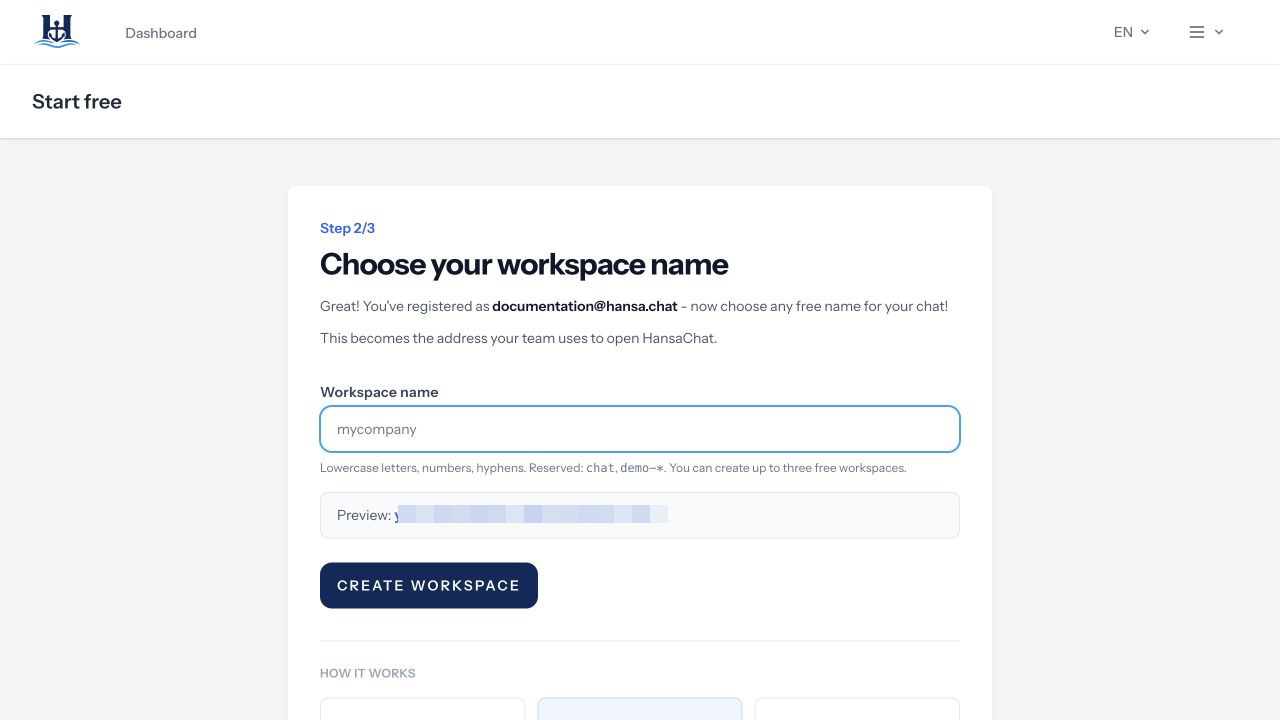
- Choose a workspace name. This becomes the address your team uses to open HansaChat.
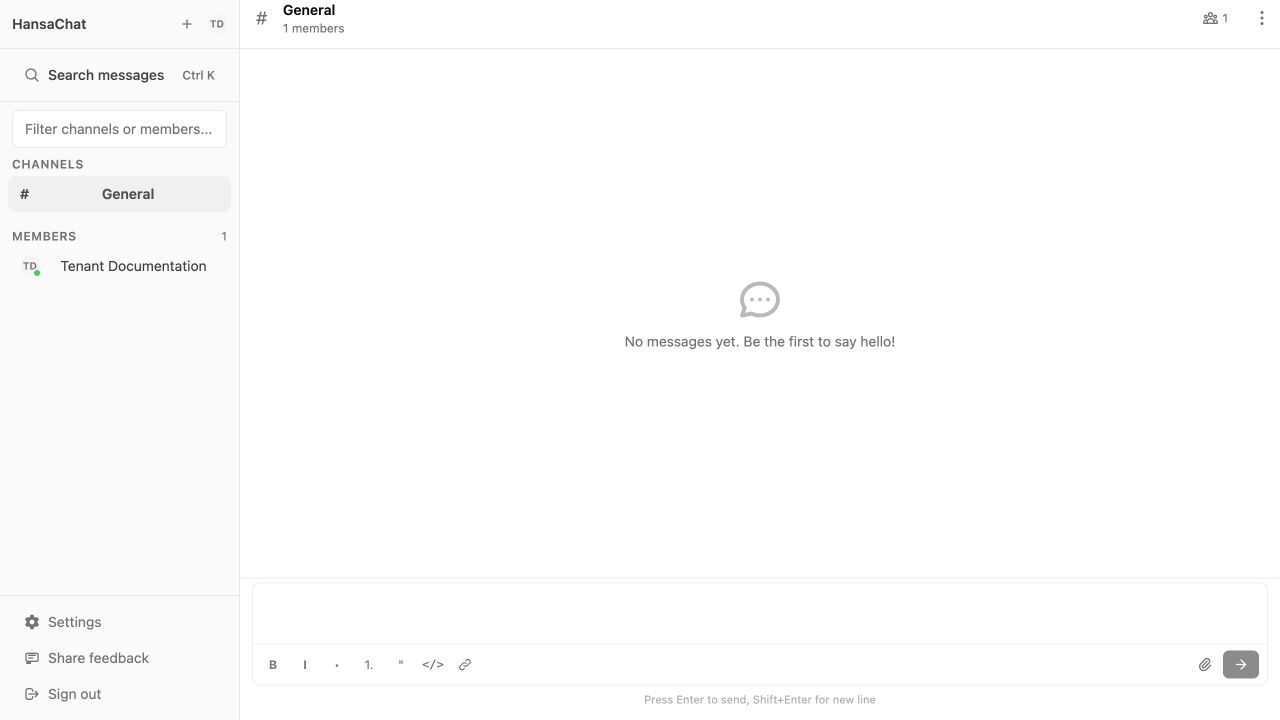
- Wait while HansaChat prepares the workspace.
- When the workspace opens, start in the General channel.
Workspace name tips
Use a short name that your team can recognize, such as your company, project, or department name. Workspace names use lowercase letters, numbers, and hyphens.
Next step
Read Workspace basics to understand the main areas of the interface.