Admins can manage workspace access, channels, invitations, and admin-only settings.
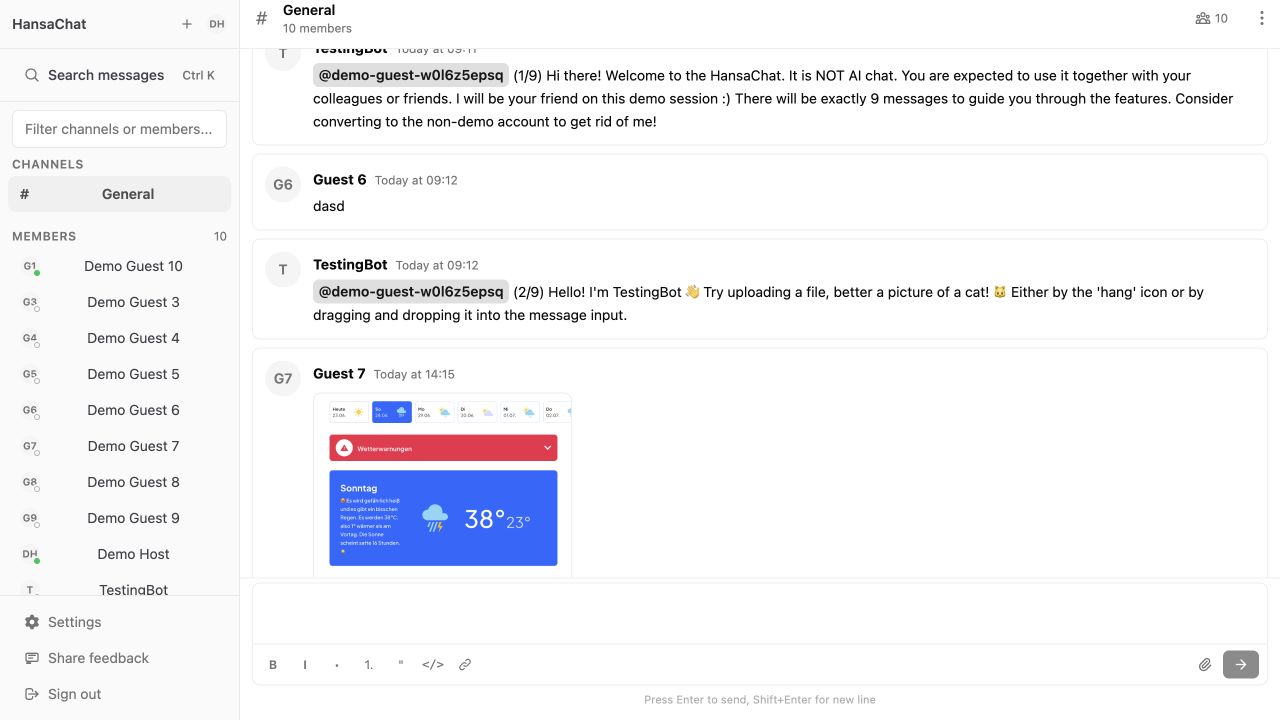
Admin actions
Admins can usually:
- Create channels.
- Choose public or private channel access.
- Invite people to channels.
- Invite new users to the workspace.
- Manage pending invitations.
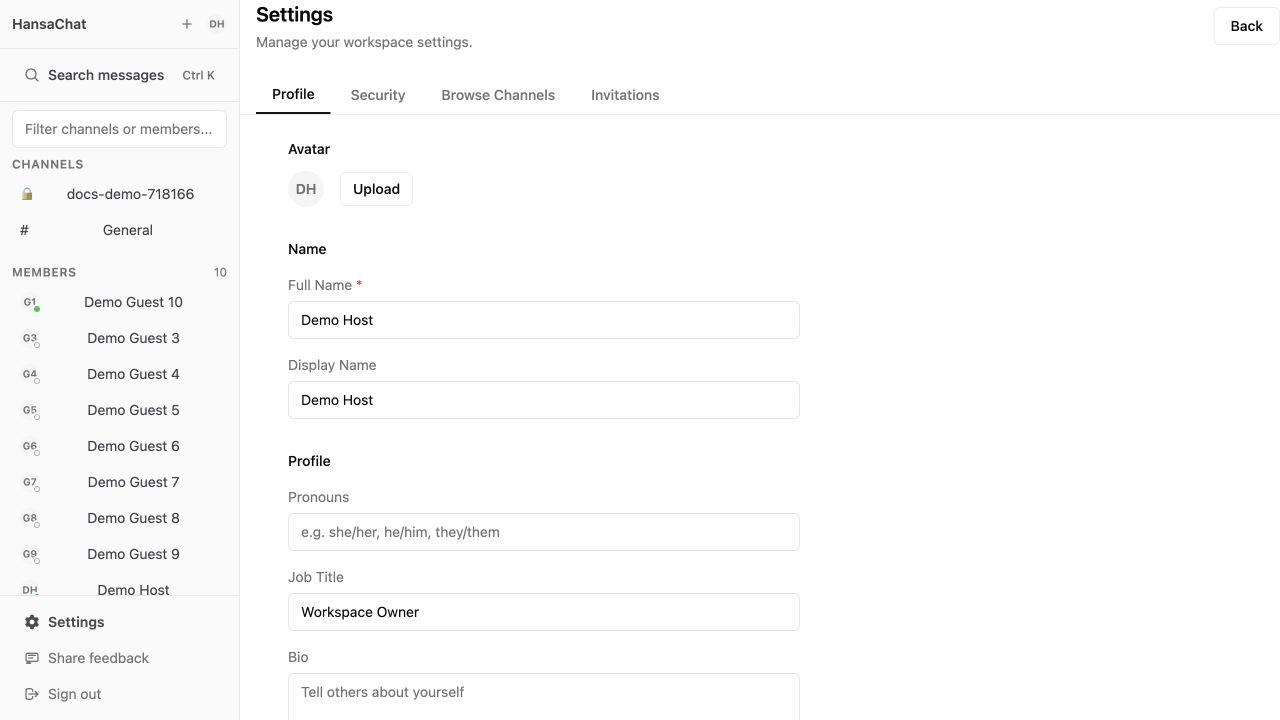
Open Settings to find admin-only tabs such as Invitations.
Member access
If a team member cannot see an admin action, their account may not have the required role. Ask a workspace admin to update access or contact support at igor@hansa.chat.