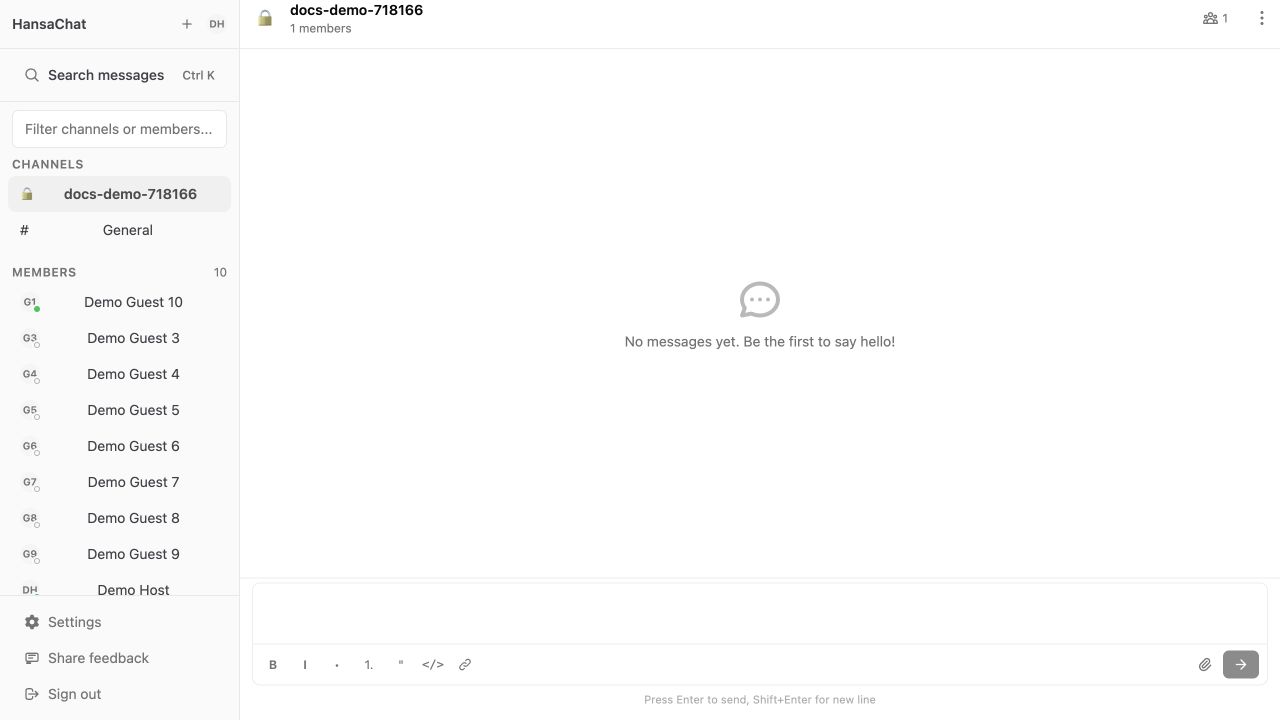
Use the message composer at the bottom of a channel to write and send messages.
Send a message
- Open a channel.
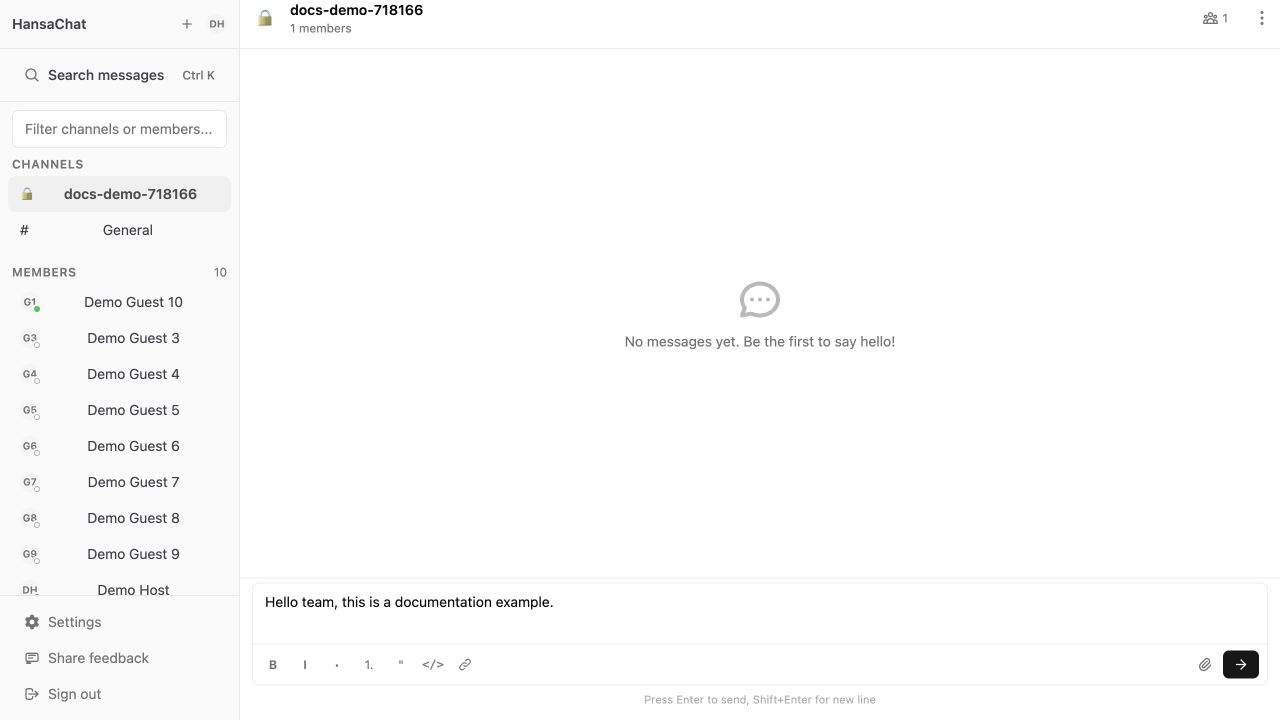
- Type your message in the composer.
- Press Enter or select Send message.
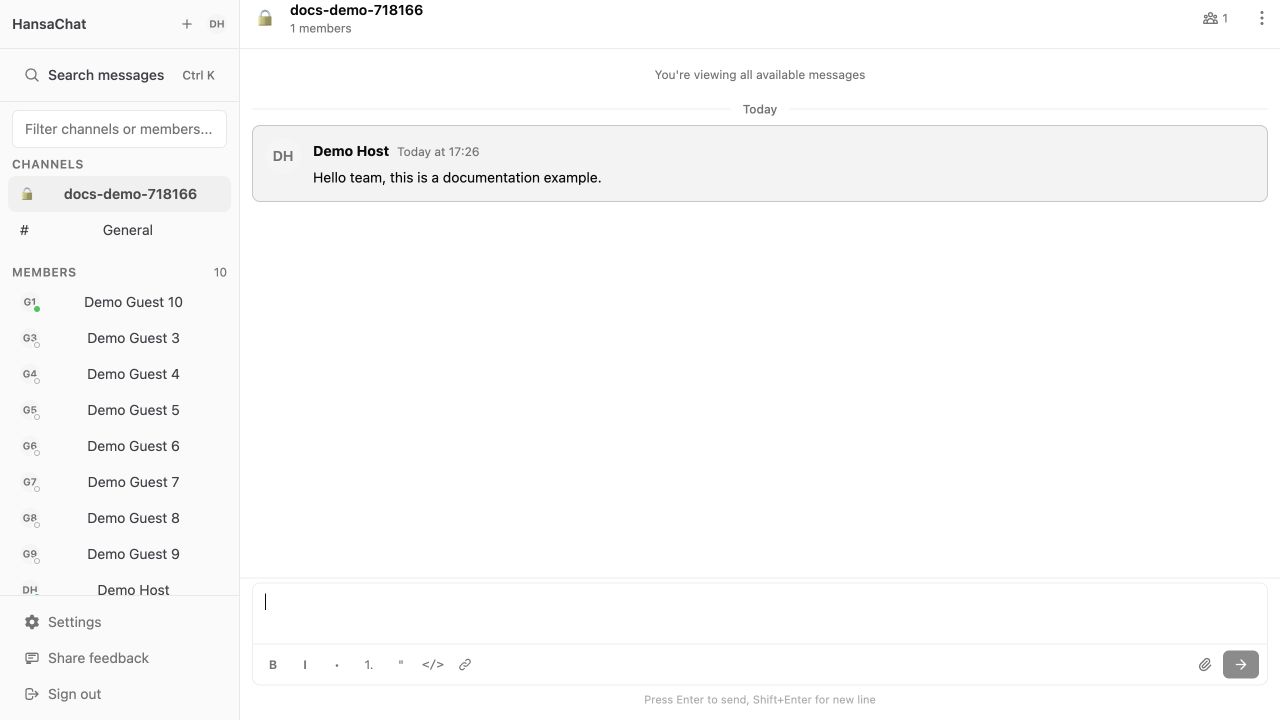
After sending, the message appears in the channel timeline.
Edit a message
- Find your message in the timeline.
- Select Edit message.
- Update the text.
- Select Update message or press Enter.
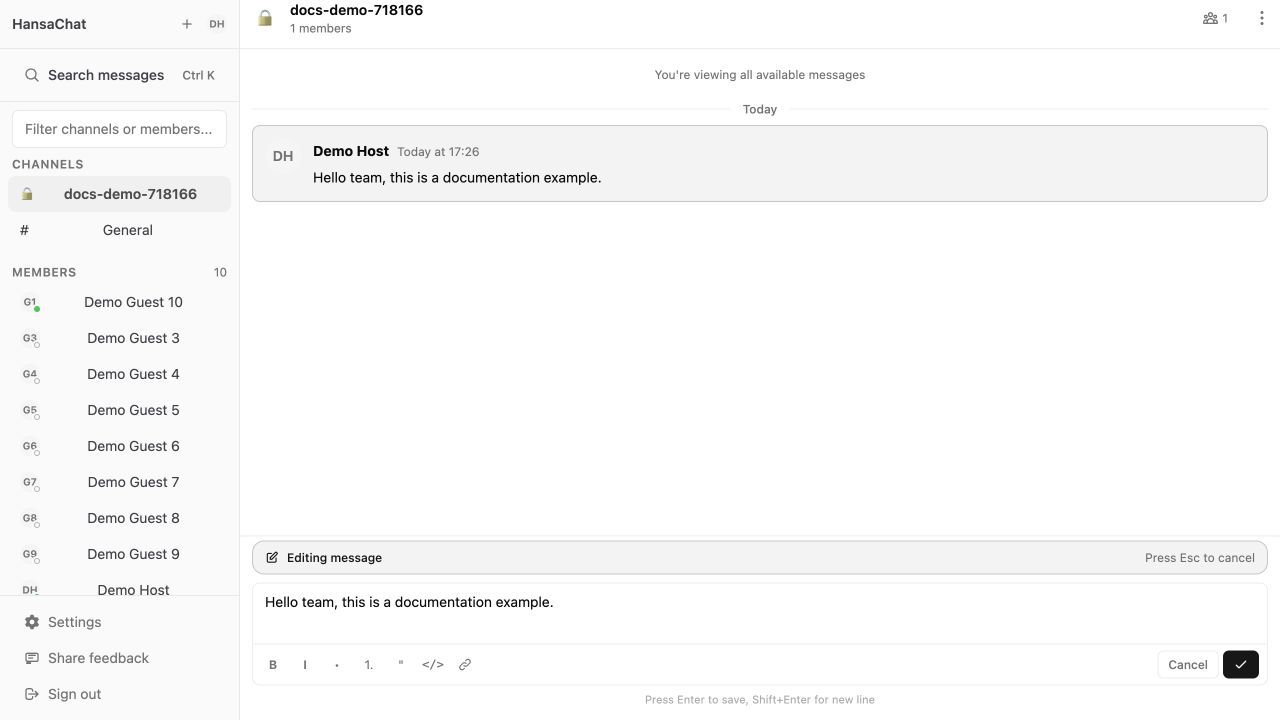
Use Esc or Cancel if you decide not to save the edit.