Os canais privados são visíveis apenas para os membros que foram convidados. Os canais públicos também podem utilizar convites quando quer trazer pessoas específicas para uma conversa.
Passos
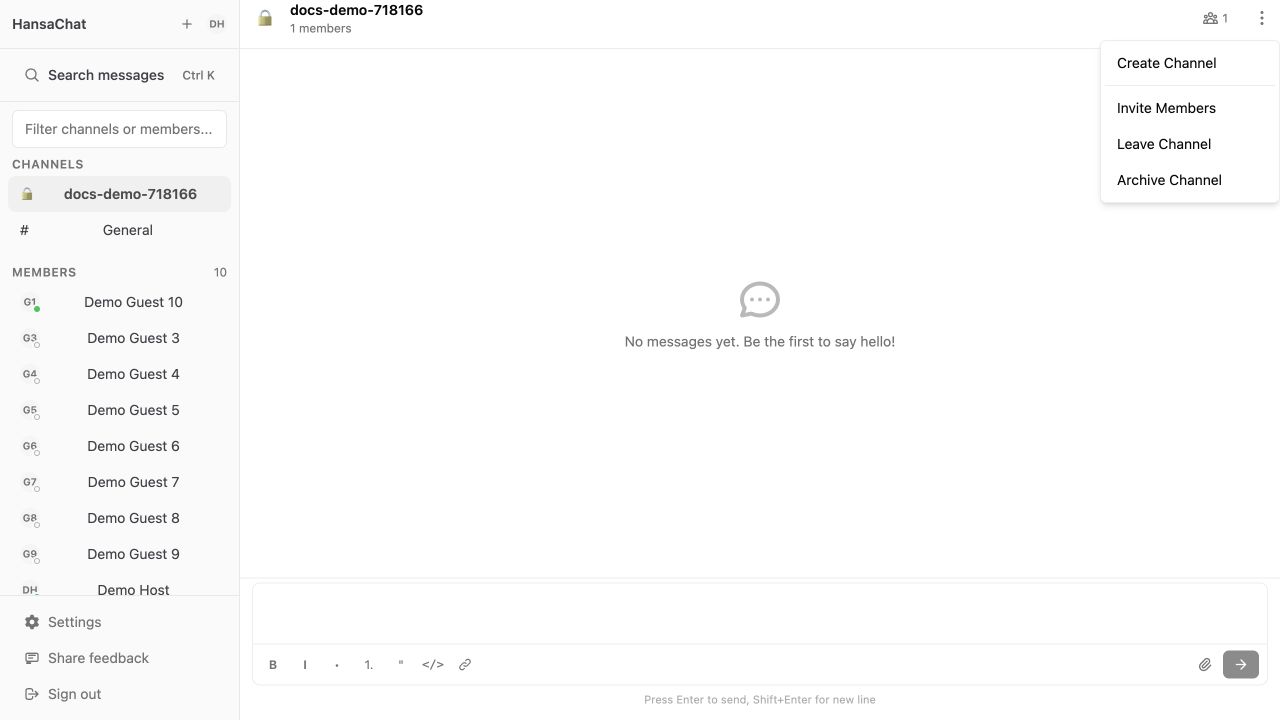
- Abra o canal.
- Selecione Opções do canal.
- Escolha Convidar membros.
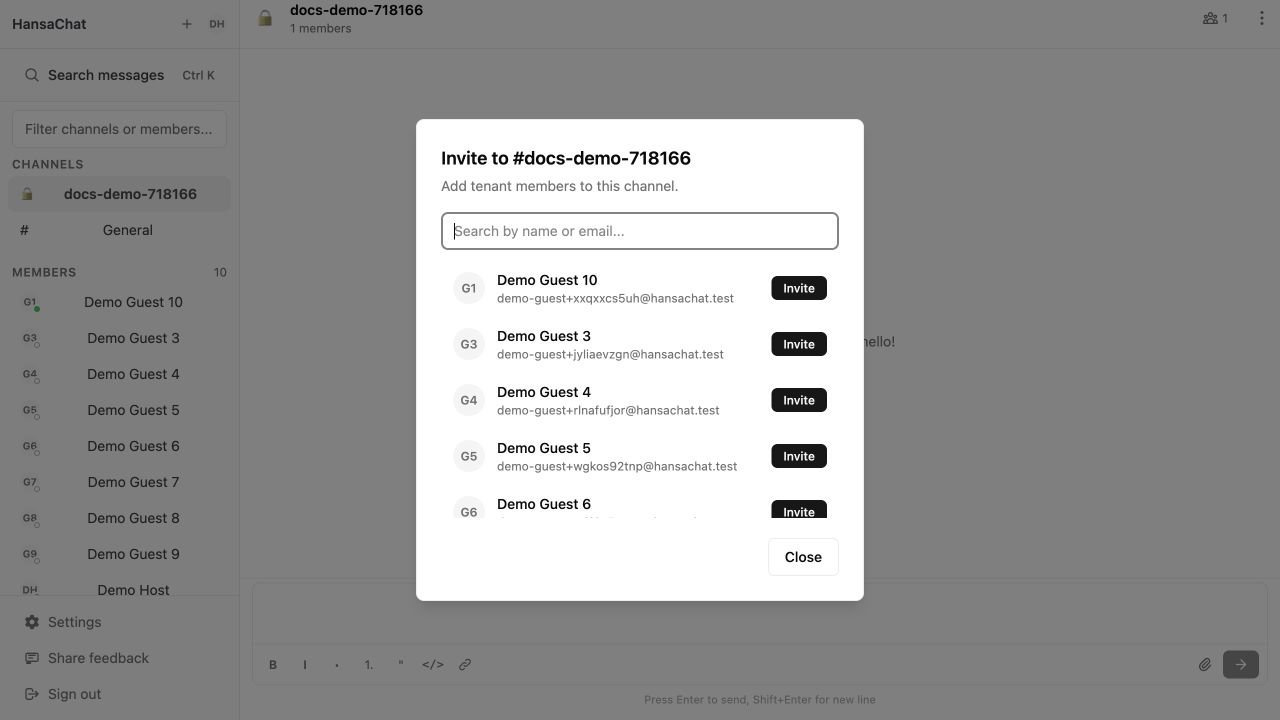
- Pesquise um membro existente do workspace pelo nome ou pelo e-mail.
- Selecione Convidar junto à pessoa que quer adicionar.
Importante
Este ecrã convida pessoas que já são membros do workspace. Para convidar uma nova pessoa por e-mail, utilize primeiro Convidar utilizadores para um workspace.