Channels organize conversations by team, project, customer, topic, or location. Use a channel when several people need to follow the same discussion over time.
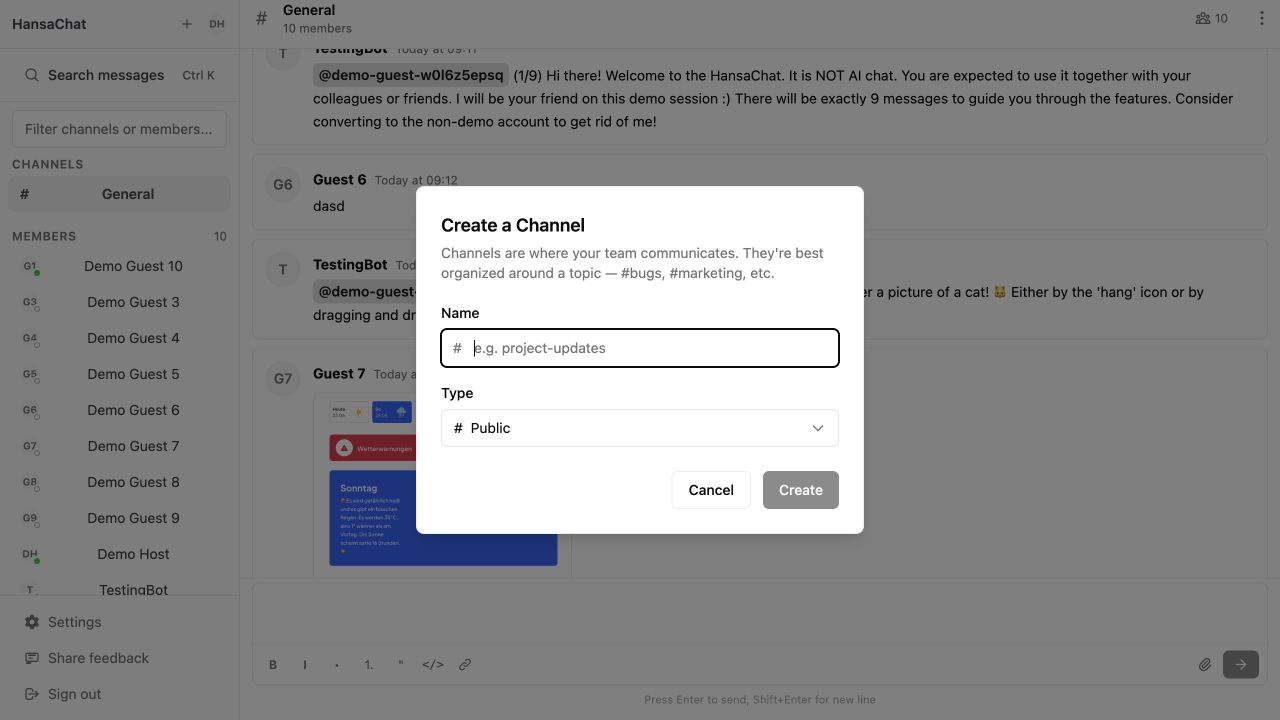
Public and private channels
- Public channels can be found and joined by people in the workspace.
- Private channels are visible only to invited members.
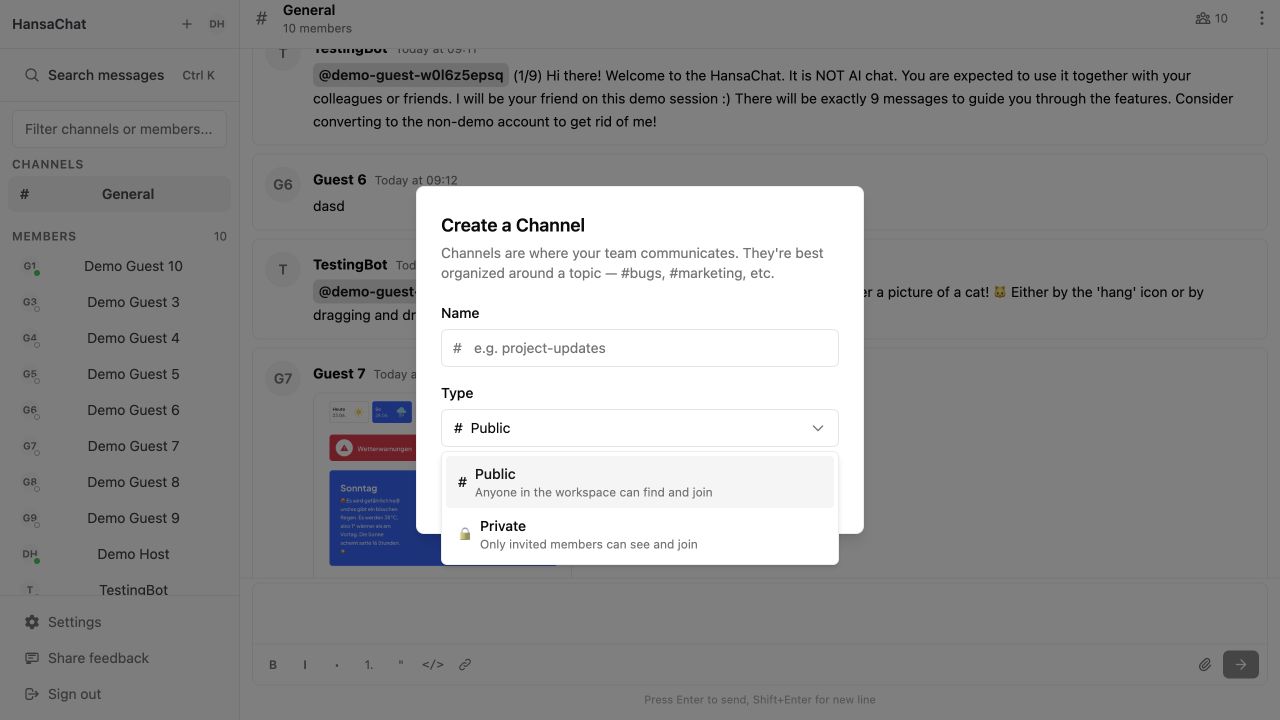
Steps
- Select Create channel in the sidebar.
- Enter a short channel name.
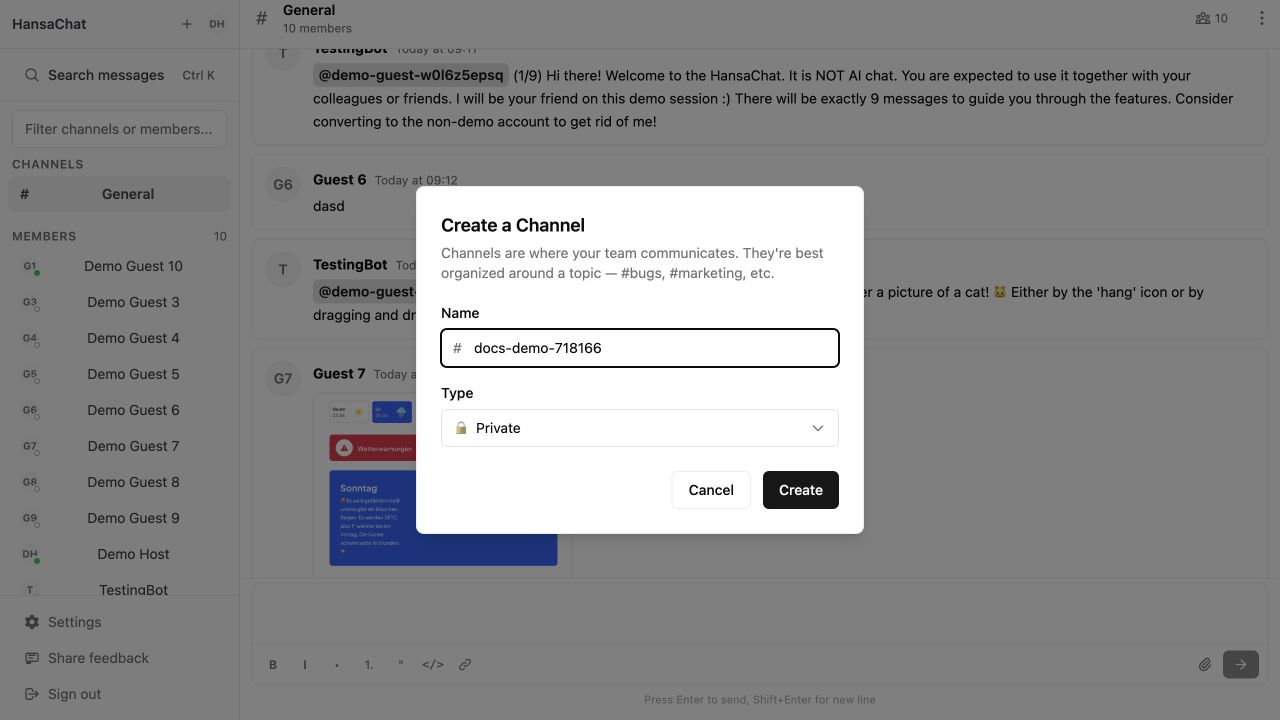
- Choose Public or Private.
- Select Create.
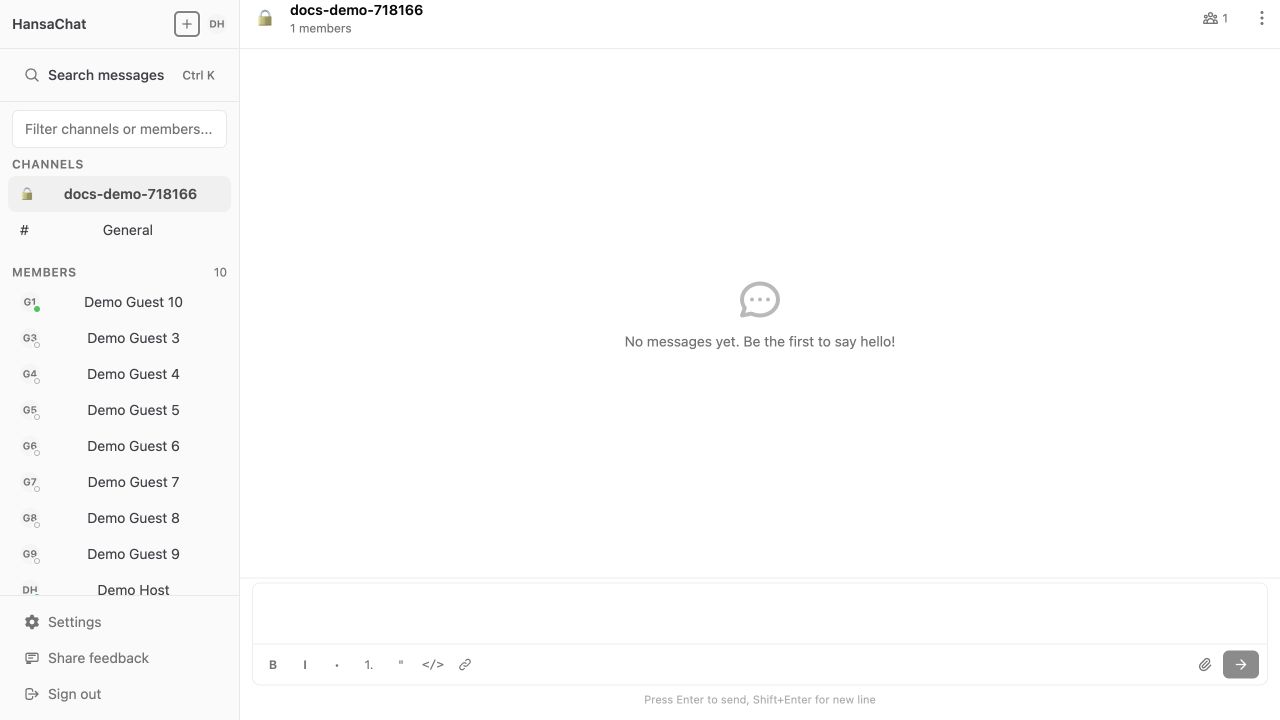
After the channel is created, it appears in the channel list.
Naming tips
Use names that are easy to scan, such as support, sales, project-website, or berlin-office.